Difficulty: Very Easy • Time Required: 10 Minutes
What Is a Voice Assistant?
A voice assistant is a helpful tool built into your phone, tablet, or smart speaker. You can ask it questions, give it instructions, and get things done without typing or tapping.
- Siri — found on iPhones and iPads
- Alexa — used with Amazon Echo smart speakers
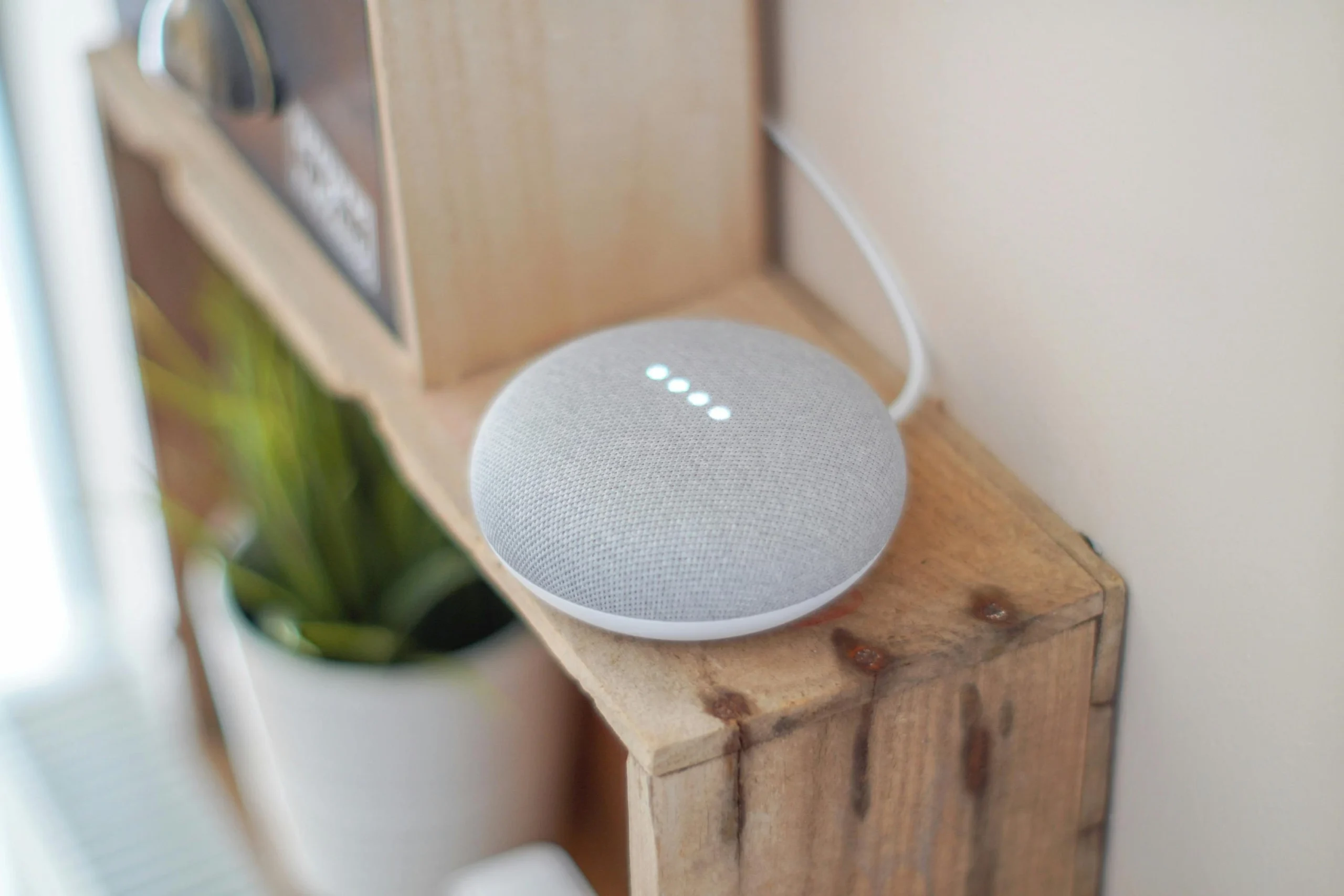
- Google Assistant — found on Android phones and Google Nest devices
Think of these assistants as friendly digital helpers that respond when you talk to them.
Why Seniors Love Voice Assistants
Voice assistants make everyday tasks easier, especially for people who prefer hands-free help. Here are some popular uses:
- Setting reminders for medications or appointments
- Asking for weather updates
- Making phone calls without dialing
- Sending text messages by speaking
- Playing music, audiobooks, or news
- Controlling smart home features like lights or thermostats
How to Use Siri (Apple)
Turn Siri On
- Open Settings.
- Tap Siri & Search.
- Turn on “Listen for ‘Hey Siri’”.
What You Can Say
- “Hey Siri, call my daughter.”
- “Hey Siri, remind me to take my pills at 8 PM.”
- “Hey Siri, what’s the weather tomorrow?”
How to Use Alexa (Amazon Echo)
Set Up Alexa
- Plug in your Echo device.
- Download the Amazon Alexa app.
- Follow the simple setup instructions in the app.
What You Can Say
- “Alexa, set a reminder for my doctor appointment.”
- “Alexa, play relaxing music.”
- “Alexa, turn on the living room lights.”
How to Use Google Assistant (Android & Google Nest)
Turn Google Assistant On
- Open the Google app.
- Tap your picture (top right), then Settings.
- Select Google Assistant and enable it.
What You Can Say
- “Hey Google, remind me to water my plants.”
- “Hey Google, send a text to Linda.”
- “Hey Google, how do I get to the nearest pharmacy?”
Helpful Tips for Seniors
- Speak naturally — you don’t need special wording.
- Start with simple commands until you feel confident.
- Ask follow-up questions — assistants can continue conversations.
- Use reminders liberally — they are one of the most helpful features.
Try These Easy Starter Commands
- “What time is it?”
- “Tell me a joke.”
- “What’s on my schedule today?”
- “Play classical music.”